

Parenting
A 15-Minute Screen Break: A Practical Plan for Parents
A realistic plan for an occasional toddler screen break: age guidance, nearby supervision, content checks, screen-free backups, and a clear ending.
6 min readPublished
You need to finish a call, unpack groceries, or take a breath after a difficult morning. Advice that assumes an adult is always free to create a perfect activity is not very useful in that moment. At the same time, calling a tablet a babysitter hides the work a screen cannot do: notice danger, respond to distress, and keep a young child physically safe.
This guide treats a short screen break as a decision to plan, not a parenting failure or a blanket recommendation. “Fifteen minutes” describes the example below. It is not a threshold that makes any content appropriate for any age. The aim is to reduce improvisation and give you alternatives, including on days when a screen would make the situation harder.
Start with age and the actual situation
For children under 18 months, AAP guidance advises avoiding screen media other than video chatting. At 18–24 months, introducing media calls for high-quality choices and shared use. For an older toddler, context still matters: a short session is not automatically suitable just because the timer is short.
Ask yourself whether you will be able to respond during the task. Folding laundry beside a child is different from leaving the room, using equipment that needs your full attention, or handling a difficult conversation. If the task prevents supervision, arrange another adult or a suitable child-safe plan rather than treating an absorbing activity as protection.
Prepare before you need the break
Choose one activity in advance, while you have time to explore it. Check what happens when your child taps the edges, finishes a level, or loses the internet connection. Reject activities that require you to keep dismissing prompts. Set the volume before starting, and avoid making an urgent handoff the first time you discover a sign-in request or purchase screen.
Prepare the space too. Keep the child near you, away from water, loose cords, hot drinks, and other hazards. A charged device avoids a cable running through the play area. Have the next activity ready before handing over the screen; otherwise your planned ending can turn into another period of searching while the child asks to continue.
An example of a bounded break
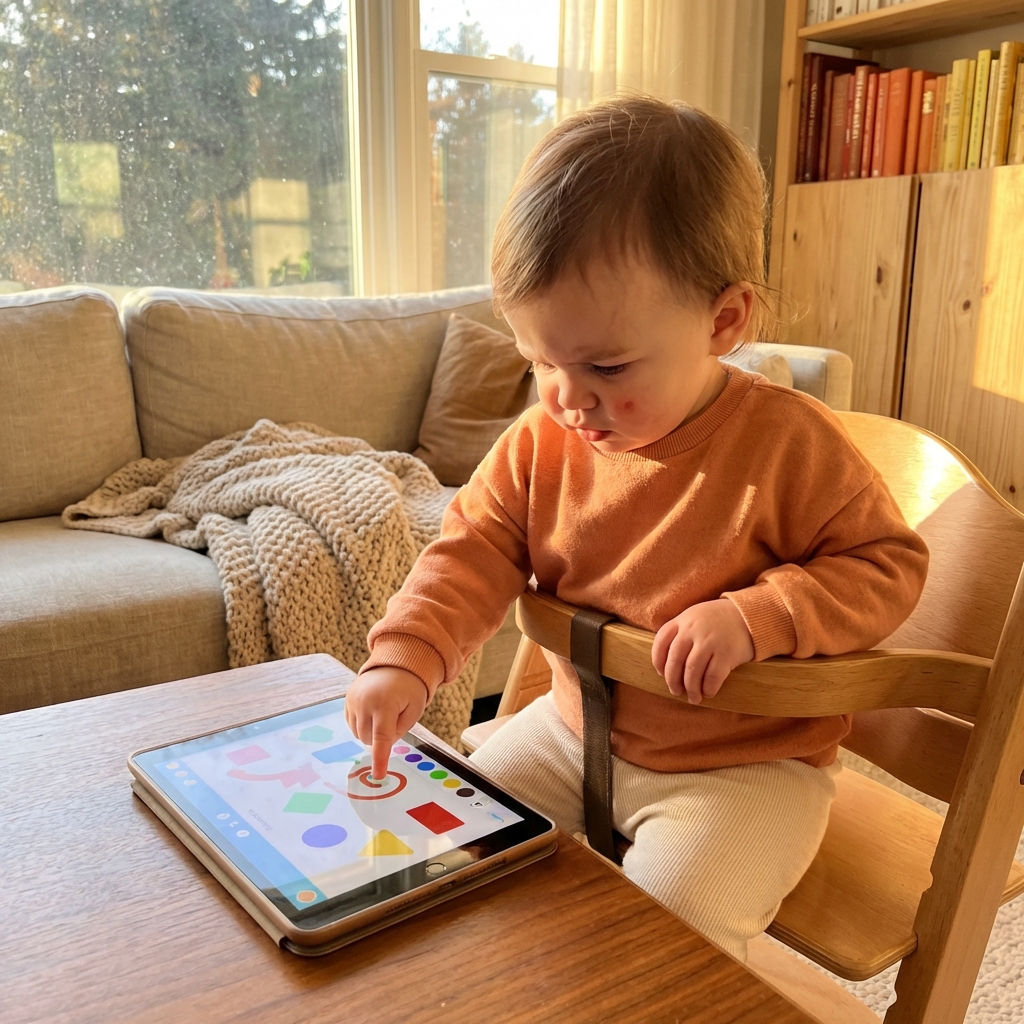
Imagine you need to sort a delivery while your toddler is beside you. Begin by offering a familiar non-screen option. If you decide on media instead, name the task and endpoint in words your child understands: “You can do this while I put these things away. Then we will look at your book.” Keep your own task small enough to match the plan.
When the endpoint approaches, return your attention to the child. Do not keep adding jobs because the activity happens to be holding their attention. Close the session, put the device away, and follow through on the next step. The value of a bounded break is that it has boundaries for the adult as well as the child.
| Stage | Adult’s job | Useful preparation |
|---|---|---|
| Before | Decide whether this is an appropriate moment | A non-screen option and one previewed activity |
| During | Stay nearby and able to respond | A comfortable volume and safe physical space |
| Ending | Give a brief cue and follow through | A book, toy, or shared task ready to start |
| After | Notice whether the routine helped | Change the plan if the ending repeatedly goes poorly |
Use device restrictions for the right job
On an iPhone or iPad, Guided Access helps keep a session inside one app. Learn to start and end it before relying on it. It does not select age-appropriate content, remove hazards from a room, or guarantee that a child will feel calm. Those remain separate decisions.
I make ToddlerLock, a pretend home-screen app, and have an obvious commercial interest in it. You do not need that app to use this routine. Apply the same checks to a drawing activity, a selected video, or any other content your family chooses. No purchase turns a screen into supervision.
Build a small screen-free backup
Keep a few age-appropriate options where you usually need a short pause: board books, large stacking cups, or a familiar soft toy. Offer one or two items rather than pouring out a whole basket. Rotate them occasionally if that helps, but do not feel obliged to buy new entertainment every time an ordinary household task needs doing.
A shared task can also be the activity. A child may enjoy carrying a washcloth, placing large safe items into a basket, or pointing to pictures while you work nearby. The point is not to keep them independently occupied for an exact number of minutes. It is to find a manageable way through the task with realistic expectations about interruptions.
What to change when the break does not help
If your child is hungry, exhausted, or asking for closeness, media may delay rather than solve the immediate problem. Try addressing that need first. If the device causes a struggle every time it ends, shorten or pause the routine and see whether a different kind of break is easier for everyone. There is no requirement to make screen time work.
For adults, recurring overload deserves practical support rather than a better app recommendation. A conversation with another caregiver about one predictable handover, a smaller task list, or a simpler meal may be more valuable than extending a session. Screens can be one household tool, but they should not carry the whole burden of making a difficult day possible.
Make the rule easy for other caregivers to follow
Write a short agreement: when you offer media, which activity is allowed, where the child sits, and how it ends. Keep it specific enough that a grandparent or partner can follow it without guessing. “One chosen activity while an adult is nearby” is more usable than “only good screen time.” Include where the device goes afterward.
The HealthyChildren Family Media Plan is a starting point for that conversation. Revisit your plan as routines change. Our guide to ending screen sessions can help with transitions; the aim is a consistent response that fits your household, not a perfect streak or a rule you feel ashamed to revise.
Frequently asked questions
Is 15 minutes of screen time safe for every toddler?
No universal allowance follows from that number. Consider age, content, shared use, and what the session replaces. Fifteen minutes here is a planning example, not a medical recommendation.
Can I leave my toddler alone while a tablet keeps them busy?
A tablet cannot supervise a toddler. Stay nearby and able to respond; use another suitable care arrangement when your task prevents supervision.
What if the screen break makes the rest of the day harder?
Change the timing, activity, or duration, or stop the routine. Have a screen-free option ready and look at tiredness, hunger, and the ending rather than assuming a different app will fix it.
Trusted references
Sources Worth Keeping Handy
I link to official support pages and reputable parenting or health resources when they help parents verify the safety steps behind the article.
Read next
Related Toddler Tech Guides

Share this article