Screen Calm
Toddler Screen-Time Tantrums: Videos, Apps, and Easier Transitions
Understand screen-time tantrums, compare videos with pretend-play apps, check YouTube Kids controls, and plan a calmer transition.
6 min readPublished
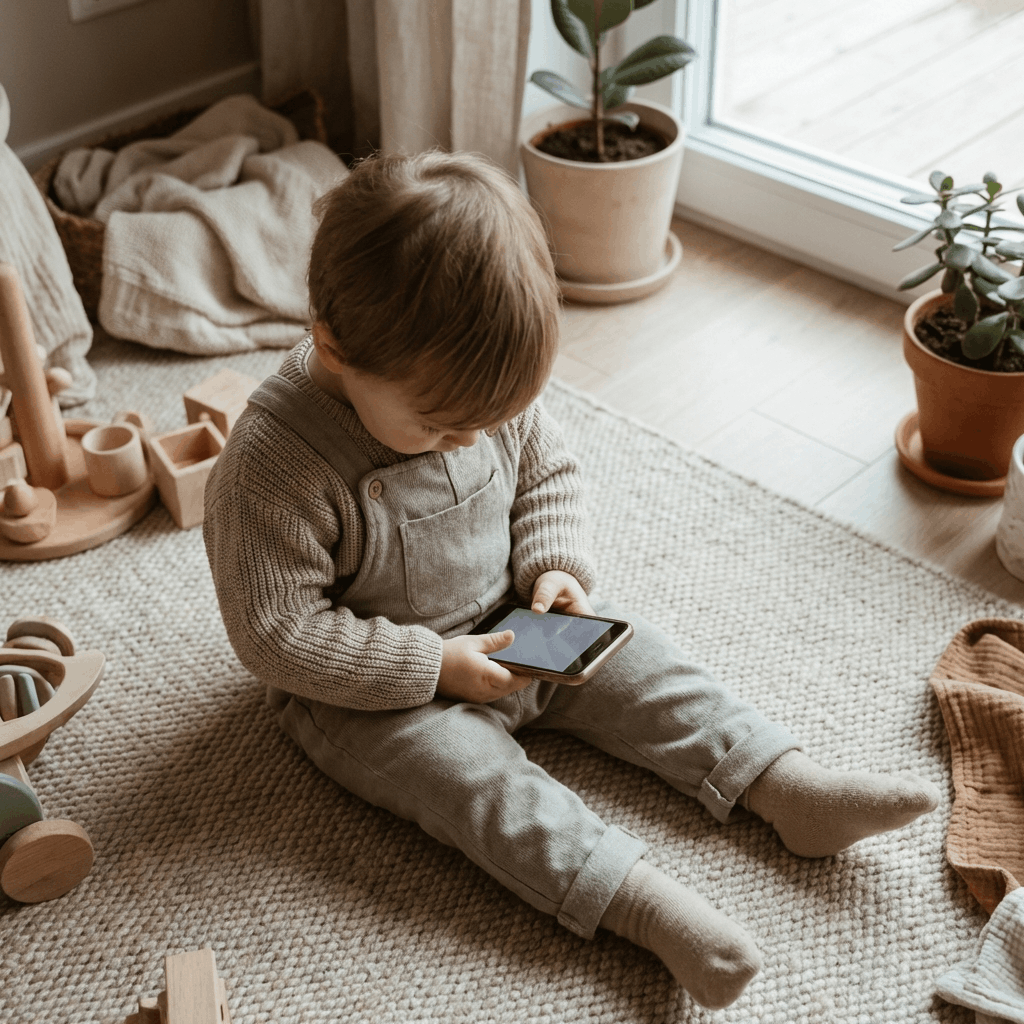
You turn off a video and your toddler protests. It can feel as though the screen caused an instant personality change. But the behavior alone cannot tell you what happened in their nervous system. They may be disappointed that a favorite activity ended, tired, hungry, surprised by the stop, or struggling with a transition they did not choose.
This guide compares the practical differences between watching videos and exploring a pretend home screen. I develop ToddlerLock, so this is not an independent review of my own product. It is a framework for choosing and ending an activity, including ways to use video more deliberately if that is your family’s choice.
Why “dopamine crash” is not a useful diagnosis
Dopamine is not something a parent can measure by observing a difficult handover. Claims that one type of app hooks every toddler’s brain, while another prevents a crash, go beyond what this article can establish. The same child may protest leaving a playground, getting out of the bath, or putting down a favorite toy. That does not make their distress imaginary; it means the explanation needs care.
Start with things you can observe and change. Was the stopping point clear? Did a new video begin just before you took the device? Was dinner already late? Had you warned the child, or were you responding to an unexpected phone call? These questions lead to practical adjustments without labeling your toddler as addicted or promising that a different app will solve everything.
Compare the activity, not the marketing category
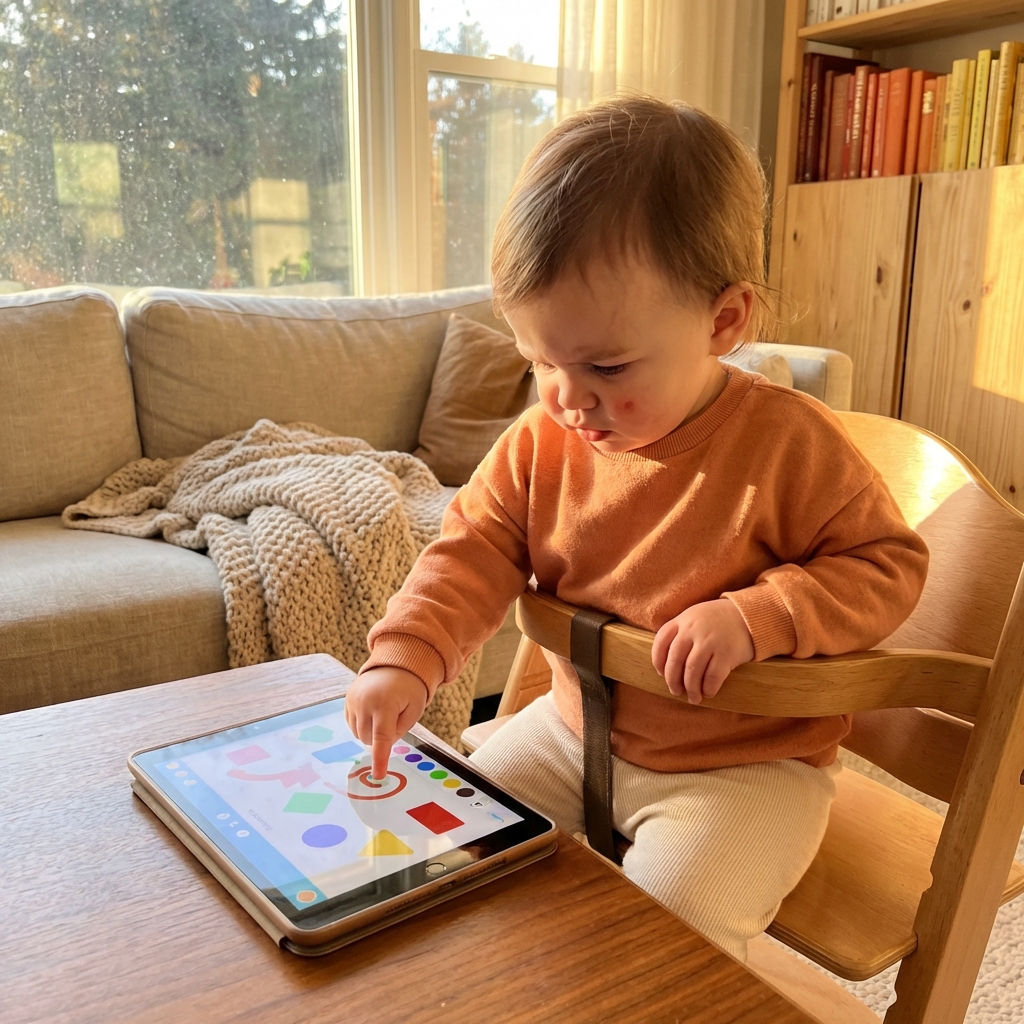
A short video chosen by a parent is different from an open-ended feed. A simple drawing activity is different from a game that interrupts each action with rewards or purchase screens. “Interactive” tells you that a child can touch something; it does not establish educational value. Likewise, “video” does not tell you whether a parent is watching, talking, and connecting it to everyday life.
Try the activity yourself and watch one complete cycle: opening, playing, finishing, and leaving. Note what happens when nobody touches the screen and whether a natural endpoint exists. The table below compares controls and actions you can check; it does not rank their effects on brain development.
| Question | Selected video in YouTube Kids | Pretend home-screen app |
|---|---|---|
| Who chooses what comes next? | Depends on parent controls and profile settings | Check which activities the child can open |
| What does the child do? | Watch, listen, and perhaps talk with an adult | Tap and explore the simulated interface |
| Where does it end? | Use a chosen video ending; review autoplay | Agree on an endpoint before starting |
| Can the child leave the app? | Use a device restriction if needed | Also needs a device restriction |
| Does it prevent tantrums? | No guarantee | No guarantee |
Check the controls in YouTube Kids
Google documents YouTube Kids parental controls, including content selection and autoplay settings. Where available for your setup, “Approved content only” lets you choose what the child can watch. Check the actual child profile you use; account type and setup can affect which options appear.
Preview a whole video before using it, and look beyond its thumbnail. Consider its sound, subject, pace, and whether you are comfortable discussing what happens. Recheck the settings after changing devices or profiles. Parental controls help shape access, but they do not replace your judgment about whether a particular video suits your child.
A four-part routine for switching off
First, choose the endpoint before opening the app: one selected video, one drawing, or another clearly defined activity. Second, tell your child what follows in simple language. Third, stay available as the endpoint approaches, instead of expecting the device to enforce the boundary for you. Fourth, move directly into the next activity and put the device out of sight.
For example: “We will watch this song together, then put the phone on the shelf and get the blocks.” Near the end, repeat the same short cue. If your child protests, you can acknowledge it: “You wanted more. We are finished for now.” A timer can support the routine, but it is not a substitute for helping a child through disappointment.
- Pick an ending before pressing play.
- Name the next activity.
- Be present when the activity ends.
- Put the device away and help with the transition.
Keep a simple observation note for a few days
You do not need an elaborate screen-time tracker. Write down the time of day, activity, approximate duration, how it ended, and what happened next. Add obvious context such as a missed nap or a long journey. Look for patterns across several occasions instead of treating one hard afternoon as proof that a particular app is harmful.
Change one thing at a time where practical. If you change the content, timing, and session length together, it is harder to tell what helped. You can also pause screen sessions entirely. The goal is a workable family routine, not an experiment you must complete or evidence that your toddler ought to tolerate a device.
Keep the bigger picture in view
The AAP’s 5 Cs framework asks families to consider the child, content, calming, what media crowds out, and communication. That is a broader lens than counting taps or labeling an interface low-stimulation. A quiet app can still occupy time that would otherwise be spent sleeping, moving, or interacting.
A device lock also solves a different problem from content quality. Guided Access can restrict the phone to one app; it cannot decide whether the activity or its timing is right. If you need help evaluating a specific app, use our active-play checklist.
When the routine needs more than a new app
If handing over the phone is becoming the only way to settle every upset, make room for other responses you can use repeatedly: staying close, naming the feeling, changing the environment, or offering a familiar non-screen activity. Start with one manageable moment rather than attempting to redesign the entire day. Ask another caregiver to use the same simple ending cue where possible.
If distress is persistent, severe, or part of wider concerns about sleep, communication, or behavior, discuss it with your child’s clinician. An app comparison is not an assessment. The useful outcome is a routine that fits your child, even if that means fewer videos, fewer apps, or no phone handoffs for now.
Frequently asked questions
Does a screen-time tantrum mean my toddler is addicted?
A tantrum alone does not establish addiction or a dopamine crash. Consider the stopping point, tiredness, hunger, and other transitions. Discuss persistent concerns with your child’s clinician.
Can I turn off autoplay in YouTube Kids?
Google provides autoplay controls for YouTube Kids. Check the parent settings for the profile and account setup you use, and confirm the change on your child’s device.
Is an interactive app always better than a video?
No. Evaluate the specific activity, age suitability, parent involvement, privacy, and what it replaces. Tapping alone does not establish a learning benefit.
Trusted references
Sources Worth Keeping Handy
I link to official support pages and reputable parenting or health resources when they help parents verify the safety steps behind the article.
Read next
Related Toddler Tech Guides
Share this article